
Bulin 47 AI Prompt — Copy It for Manual Workflows
Oct 13, 2026
A copyable Bulin 47 AI prompt for reference-video models, with photo prep tips. The AI Bulin47 studio needs no prompt at all.
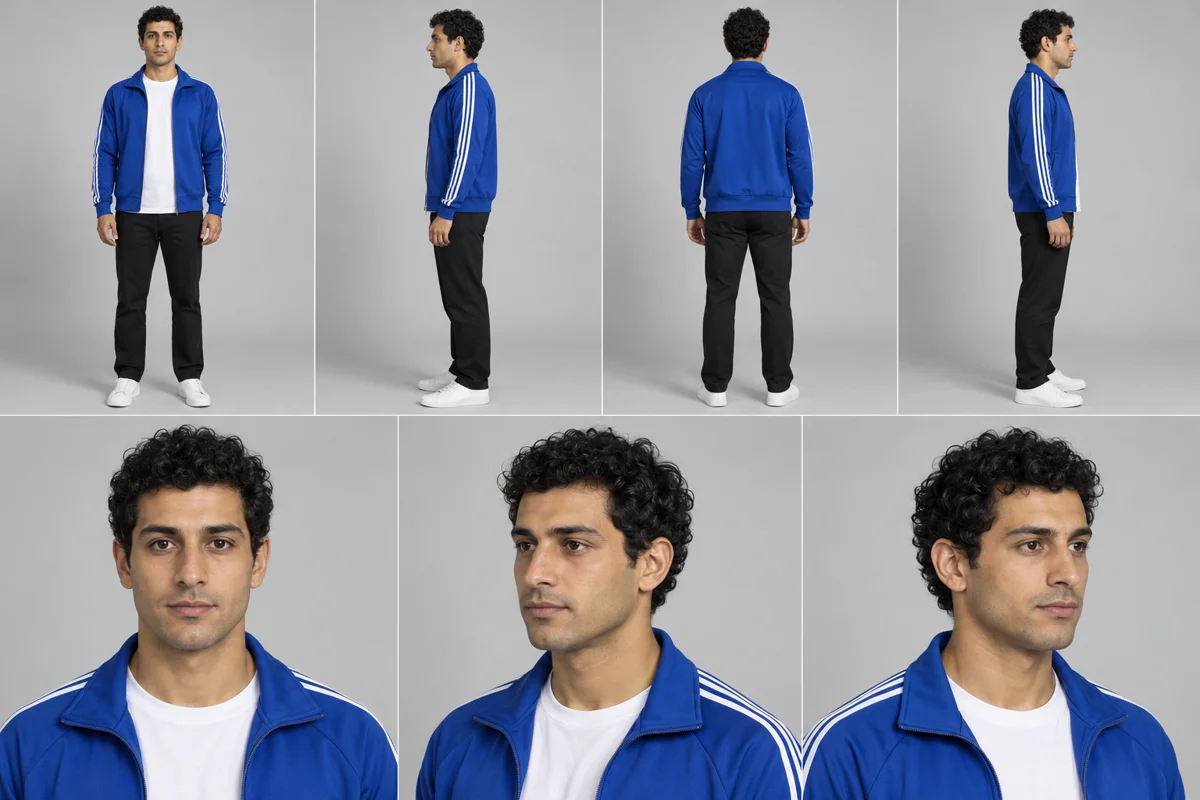
The AI Bulin47 studio already ships its own prompt and freestyle reference — you only add a photo. If you run a reference-video model yourself, this Bulin 47 AI prompt is a solid starting point.
The prompt
Edit the video: replace the main performer in Video 1 (the man in dark sunglasses and an open light-pink mesh shirt, standing behind the person holding the portable speaker) with the person in Image 1.
Take the face, hairstyle, skin tone, body shape, clothing and accessories from Image 1 and keep that exact outfit identical in every frame.
Keep the dance moves, gestures, timing, lip movements, camera movement, framing, red lighting, staircase background and original audio of Video 1 unchanged.
Keep every other person unchanged. Do not add, remove, duplicate or merge people.
How to use it
- Attach your photo as Image 1 (one adult, face and upper body visible).
- Attach the freestyle clip as Video 1, the motion reference.
- Paste the prompt and generate a short test first.
Tips
- Front-facing, evenly lit photos keep the identity most stable.
- Describe the outfit only if your photo crops it.
- Expect drift on fast turns; regenerate rather than over-editing the prompt.
Prefer zero setup? Use the built-in Bulin 47 AI generator →